Physical Address
304 North Cardinal St.
Dorchester Center, MA 02124
Physical Address
304 North Cardinal St.
Dorchester Center, MA 02124
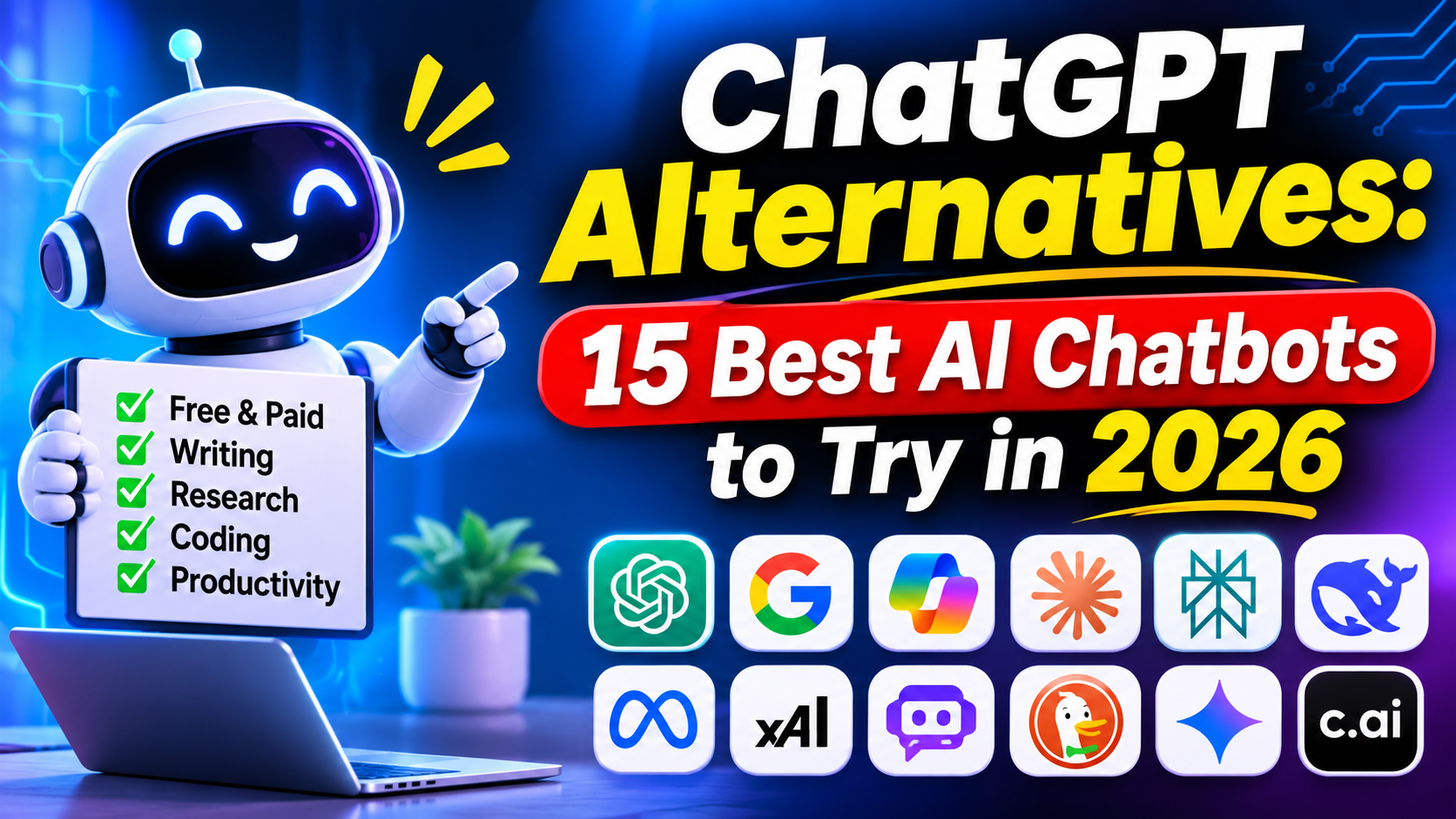
ChatGPT alternatives are becoming increasingly popular as more people look for AI chatbots that can help with writing, research, coding, learning, and everyday tasks. Although ChatGPT remains one of the leading AI assistants, several other AI tools now offer powerful features, unique capabilities, and different ways to get things done.In 2026, the best free ChatGPT alternatives include powerful AI assistants designed for different needs and purposes. Some tools are particularly useful for writing and content creation, while others excel at coding, web research, productivity, and creative tasks. Whether you need a free AI chatbot for professional work, studying, or personal use, there are plenty of options to explore. Many of these AI tools also offer free plans, allowing you to experience their features without paying for a subscription.
The good news is that many ChatGPT alternatives offer free plans, so you can explore their features before deciding whether a paid subscription is worth it.
In this guide, we compare 15 of the best ChatGPT alternatives in 2026, highlighting their key features, pros and cons, free-plan availability, and ideal use cases. By the end, you will have a better idea of which AI chatbot best matches your needs and budget.
| AI Tool | Best For | Free Access |
|---|---|---|
| Claude | Writing and reasoning | Yes |
| Google Gemini | Google integration | Yes |
| Microsoft Copilot | Office productivity | Yes |
| Perplexity AI | Online research | Yes |
| DeepSeek | Reasoning and coding | Yes |
| Mistral Le Chat | General AI assistance | Yes |
| Meta AI | Everyday AI assistance | Yes |
| Grok | Real-time information | Limited |
| Poe | Multiple AI models | Yes |
| Duck.ai | Privacy-focused AI chat | Yes |
| Qwen Chat | Multilingual AI tasks | Yes/Availability varies |
| Z.ai | AI assistance and coding | Availability varies |
| Character.AI | Creative conversations | Yes |
| You.com | AI-powered research | Availability varies |
| Ollama | Running AI models locally | Yes |
Free access, usage limits, and features can change. Check official websites for current details.
Claude, developed by Anthropic, is one of the strongest alternatives to ChatGPT for people who regularly work with written content, long documents, coding, and complex questions.
Its conversational writing capabilities make it useful for bloggers, students, researchers, and professionals.
Pricing: Free plan available, with paid subscription options.
Pros
Cons
Best For: Writers, bloggers, developers, students, and professionals.
Official Website: https://claude.com/
Google Gemini is another excellent ChatGPT alternative. Developed by Google, it provides AI assistance for writing, research, brainstorming, learning, and creative tasks.
One of Gemini’s biggest advantages is its connection with Google’s ecosystem. Depending on your plan and availability, it can work alongside services such as Gmail, Google Docs, and Google Drive.
Pricing: Free access is available, with additional paid Google AI plans.
Pros
Cons
Best For: Students, researchers, professionals, and Google users.
Microsoft Copilot is an AI assistant designed to help users with everyday productivity and professional tasks.
It can assist with writing, summarizing information, generating ideas, answering questions, and working with content.
Its biggest advantage is its connection with Microsoft’s software ecosystem.
Pricing: Free Copilot access is available. Advanced Microsoft 365 features may require a paid subscription.
Pros
Cons
Best For: Office workers, business owners, students, and Microsoft 365 users.
Perplexity AI is particularly useful for people who want AI-generated answers supported by online sources.
Unlike a traditional chatbot experience, Perplexity focuses heavily on searching the web, collecting relevant information, and presenting answers with citations.
This makes it useful for bloggers, students, journalists, and professionals.
Pricing: Free plan available, with a paid Pro subscription.
Pros
Cons
Best For: Researchers, students, bloggers, journalists, and professionals.
DeepSeek has become a popular option for users looking for AI assistance with reasoning, mathematics, programming, and general questions.
Its chat application offers features such as file uploads, web search, and reasoning-focused capabilities, subject to current availability.
Another reason people explore DeepSeek is its free consumer chat experience.
Pricing: Free consumer chat access is available. Check current terms and usage limits.
Pros
Cons
Mistral Le Chat is an AI assistant developed by Mistral AI. It offers capabilities for writing, research, productivity, and coding.
It is worth considering if you want to explore an AI provider outside the largest chatbot platforms.
Pricing: Free access is available, with paid options.
Pros
Cons
Meta AI is an AI assistant developed by Meta. It is available through its website and supported Meta applications, including WhatsApp, Instagram, Messenger, and Facebook.
Its integration with familiar social platforms makes it convenient for users who want quick AI assistance.
Pricing: Free everyday access is available, with feature availability and limits varying by region.
Pros
Cons
Grok is an AI assistant developed by xAI. It offers conversational assistance, research capabilities, voice interactions, and image and video generation.
One of its distinguishing features is its connection to real-time information from the web and X platform.
Pricing: Limited free access is available, with paid options.
Pros
Cons
Poe is a platform that allows users to interact with different AI models through one interface.
Instead of creating separate accounts for every AI provider, users can explore multiple bots and models in one place.
Pricing: Free access is available with limits. Paid subscriptions provide additional usage.
Pros
Cons
Duck.ai is an AI chat service from DuckDuckGo that focuses on privacy.
It allows users to interact with supported third-party AI models through a privacy-focused interface.
According to DuckDuckGo, chats are anonymized and are not stored by default, subject to its documented policies and exceptions.
Pricing: Free access is available.
Pros
Cons
Qwen is an AI model family developed by Alibaba. Qwen-powered chat experiences are worth exploring for general AI assistance, multilingual tasks, and technical questions.
Its model ecosystem also makes it interesting to developers.
Pricing: Access and usage conditions depend on the particular Qwen service or model.
Pros
Cons
Z.ai provides access to AI experiences powered by models from Zhipu AI.
It is another option for users who want to explore AI conversations, reasoning, and coding assistance beyond familiar chatbot platforms.
Pricing: Check the official website for current access and pricing.
Pros
Cons
Character.AI is different from traditional productivity-focused chatbots. It focuses on conversations with AI-generated characters.
Users can explore existing characters or create their own conversational experiences.
This makes it particularly useful for entertainment, storytelling, roleplay, and creative experimentation.
Pricing: Free access is available, with an optional paid subscription.
Pros
Cons
You.com is an AI-powered search and research platform that helps users find information and work with AI-generated answers.
It is worth considering if you want to explore AI-assisted research and information discovery.
The platform also offers research-related APIs for developers and businesses.
Pricing: Check the official website for current consumer plans and API pricing.
Pros
Cons
Ollama is different from most ChatGPT alternatives because it allows users to run supported AI models on their own computers.
Instead of relying exclusively on a hosted chatbot, you can download compatible models and run them locally.
This can be particularly attractive for developers, technical users, and people interested in greater control over their AI environment.
Pricing: Running local models is available without a subscription. Cloud-related plans may have separate pricing.
Pros
Cons
Choosing the right AI chatbot depends on what you want to accomplish.
| Your Requirement | Recommended Tool |
|---|---|
| Best writing alternative | Claude |
| Best Google integration | Gemini |
| Best Microsoft productivity | Copilot |
| Best online research | Perplexity |
| Best reasoning option | DeepSeek |
| Best general AI assistant | Mistral Le Chat |
| Best social media integration | Meta AI |
| Best real-time information | Grok |
| Best multiple-model platform | Poe |
| Best privacy-focused chat | Duck.ai |
| Best multilingual experimentation | Qwen |
| Best coding experimentation | Z.ai |
| Best creative conversations | Character.AI |
| Best AI research platform | You.com |
| Best local AI models | Ollama |
If you do not want to pay for an AI subscription, several alternatives offer free access.
Here are five worth trying:
1. Google Gemini: A good starting point for everyday questions, writing, learning, and Google-related workflows.
2. DeepSeek: Worth exploring for coding, mathematics, and reasoning-focused questions.
3. Claude: A useful free option for writing, document analysis, and detailed conversations, subject to usage limits.
4. Microsoft Copilot: Suitable for everyday productivity and general AI assistance.
5. Meta AI: Convenient for everyday questions and AI assistance through supported Meta applications.
Remember that free access does not necessarily mean unlimited usage. Some providers restrict messages, advanced models, file uploads, or other features.
Before selecting an AI chatbot, consider the following factors.
Start by identifying what you want the AI assistant to do.
For example:
Choosing a tool based on your actual requirements is more useful than selecting one simply because it is popular.
Not every AI chatbot offers the same free features.
Some provide generous free access, while others limit advanced models, messages, and research capabilities.
Check the subscription details before paying.
If you plan to upload business documents, personal information, or confidential files, review the provider’s privacy policy and data controls.
Do not assume that every free AI chatbot handles uploaded information in the same way.
Try the same prompts in two or three AI chatbots.
Compare their answers for:
This simple approach can help you identify which tool works best for your tasks.
You do not necessarily need multiple paid AI subscriptions.
Start with free versions, identify the features you actually use, and upgrade only when the additional capabilities justify the expense.
Claude, Google Gemini, Perplexity, and Microsoft Copilot are among the strongest alternatives. Claude is worth considering for writing and reasoning, Gemini for Google integration, Perplexity for research, and Copilot for Microsoft productivity.
DeepSeek, Google Gemini, Meta AI, Microsoft Copilot, and Claude offer free access. The best choice depends on your requirements and the usage limits of each service.
Claude can be a strong alternative for writing, coding, and detailed document analysis. However, the better option depends on the task, available features, and individual preferences.
Google Gemini, Claude, and Perplexity are useful options for students. They can help explain difficult topics, summarize information, brainstorm ideas, and support research. Students should independently verify important information.
Perplexity is particularly useful for research because it provides source citations with its answers. Google Gemini and other AI assistants can also help with research, depending on their available features.
Some AI services offer limited access without requiring a traditional account, but requirements vary. Check the official website of the service you want to use.
There are many excellent ChatGPT alternatives available in 2026, and each one offers something different.
If you want a powerful writing assistant, Claude is a great option. If you work with Google services, Gemini is worth considering. For research with source citations, Perplexity is a strong choice. Developers can explore DeepSeek and Ollama, while Microsoft users may prefer Copilot.
You do not have to depend on just one AI chatbot. Trying two or three alternatives can help you understand which platform delivers the best results for your everyday work.
Our recommendation: Start with the free plans of Claude, Gemini, and Perplexity. Compare their answers using your real tasks, then choose the one that provides the most value.
The best ChatGPT alternative is ultimately the one that saves you time, delivers useful results, and fits your budget.